Local-first · files as truth

The AI workbench where your editor,
your automations, and your knowledge
live in one place

LatchAI runs on your machine — a headless engine on :7777 and a workbench in front of it — pointed at whatever models you want. Everything it makes is a plain file in a folder you own.

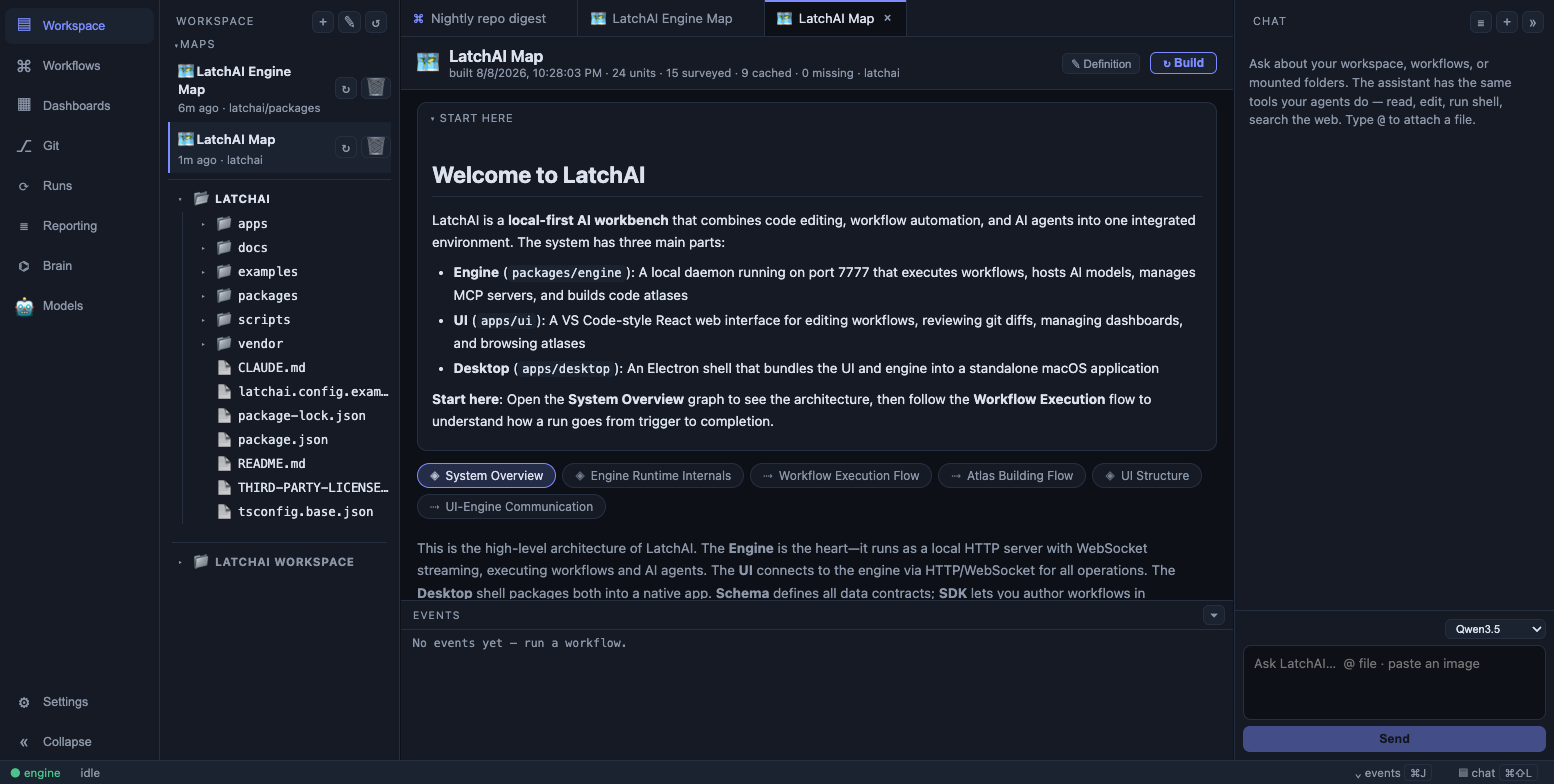
The LatchAI workbench: file tree, editor, workflow canvas, and chat panel
The workbench: activity bar, workspace files, the canvas, and the assistant panel — one window, one process.

One interface, three surfaces

Most tools give you one of these and an integration story for the other two. LatchAI runs them in a single process, which is what makes the seams between them possible.

Editor

The code you're actually working on

CodeMirror 6 with an optional Vim mode, a workspace file tree, a git panel, and diagnostics from your project's own typechecker. Mount a repo and it becomes a top-level folder every tool can see.

The file you're viewing is passed to chat as context.

Canvas

The automations that keep running

Workflows are a graph you can drag, wire, and run with ⌘⏎ — or hand-write as JSON, or emit from the code-first SDK. Every view projects the same document, so there is nothing to sync.

A run knows which workflow, trigger, and story it served.

Knowledge

Everything the work left behind

Agents, workflows, chats, memory, dashboards, and atlases are plain files in your LatchAI home. Chat transcripts mirror to markdown with YAML frontmatter, so an Obsidian vault indexes them as-is.

A file knows which run wrote it.

What's in the box

Every capability below is a surface on the same engine — the same tool registry, the same permission gate, the same event stream.

Workflows & triggers

Graph JSON on disk is the single source of truth — the canvas renders it, the executor runs it, the SDK compiles to it. Arm a workflow on cron, a watched folder, or a local webhook and it runs without you.

Read the docs →

Agents with memory

Named personas in agents/*.md: system prompt, model, tool allowlist, turn budget. Turn on memory and the agent keeps durable notes it consults before it works.

Read the docs →

Chat that can edit

The assistant panel shares the engine's provider, tool registry, and filesystem — so it reads, edits, and runs shell in the same workspace the editor is showing you.

Read the docs →

Code Atlas

Point an agent at a repo you've never seen and it publishes layered, interactive diagrams of how the system fits together — and a node on the map opens the real file.

Read the docs →

Dynamic Dashboards

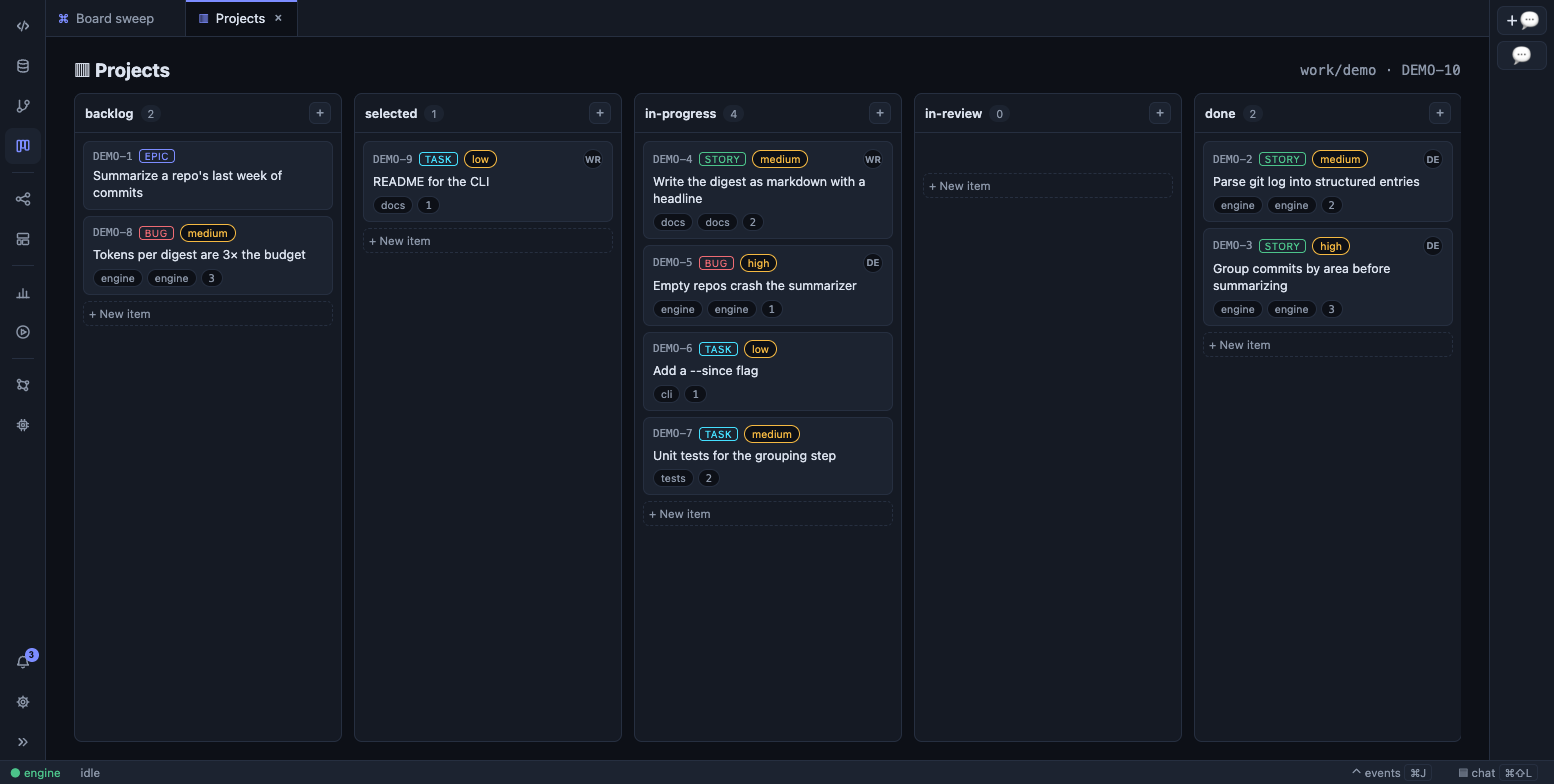
A dashboard is a natural-language brief, not a saved query. An agent gathers the data with its tools and emits a validated document the UI renders as widgets.

Read the docs →

Checkpoints & review gates

A shadow git repo snapshots the workspace around every run, so any run has a diff. Drop a review gate into a workflow and it pauses for your approve/reject.

Read the docs →

MCP integrations

Declare stdio or HTTP MCP servers in mcp.json and their tools register beside the built-ins. Agents see one tool surface; the permission gate stays intact.

Read the docs →

Local models first

Download a model in-app and it runs entirely on your Mac — private, offline, free. Or connect Ollama, LM Studio, vLLM, OpenAI, or Anthropic. One Models page, one default, picked per chat or per agent node.

Read the docs →

Built local-first

Not "privacy-friendly cloud". The engine is a process on your laptop, bound to loopback, reading and writing directories you can open in Finder.

Your machine

The daemon binds 127.0.0.1 and rejects non-local Host/Origin on HTTP and WebSocket. Nothing phones home. Agent shell runs with a secret-scrubbed environment, and API keys live in the macOS Keychain rather than in any LatchAI file.

Your models

Download a model from the in-app catalog and run it on your own hardware — or connect a local vLLM, Ollama, or LM Studio server, OpenAI, or Anthropic. One OpenAI-compatible API serves them all to other apps, and a clearly-labeled demo mode keeps LatchAI explorable with no model at all.

Plain files

Workflows are JSON. Agents, skills, dashboards, and atlases are markdown with frontmatter. Run logs are append-only JSONL. You can grep it, diff it, commit it, and open the whole thing in Obsidian.

Run it from a clone

LatchAI is an early project and there is no packaged download yet. You clone the repo, install, and start the engine and the UI — first boot walks you through picking a home and a model.

npm install
npm run engine   # daemon on :7777
npm run ui       # workbench on :5173